TL;DR
A custom print and branded merchandise company was spending 3–4 hours per order on manual intake — reading emails, extracting specifications, cross-referencing inventory, and updating their production system. We built an AI-powered intake system that does it all automatically in under 10 minutes. Order volume doubled in 6 months. Staff headcount stayed the same.
The Client
A Vancouver-based custom merchandise company — we'll call them the client to protect their competitive information — that produces branded apparel, packaging, and promotional items for mid-market and enterprise brands. They handle 150–200 custom orders per month, each with specific specifications: materials, quantities, colours, print positions, deadlines, and artwork files.
When they came to us, they were a team of 8 and were processing every order manually. They had strong relationships, high-quality production, and a growing reputation. They also had a serious operations problem: every order was a 3–4 hour admin exercise that had to happen before a single item could go into production.
The Problem: Manual Intake at Scale
The intake process looked like this when we mapped it:
- Customer submits order via email, often with attachments (PDF spec sheets, artwork files, reference images)
- Admin reads the email and attached documents to extract: product type, quantities per SKU/colour/size, materials, artwork specifications, deadline, shipping address, billing information
- Admin manually cross-references quantities against inventory in their ERP (a legacy system with no API)
- If inventory is insufficient, admin emails the customer to discuss alternatives or timeline adjustments
- Admin manually enters all order data into the production management system
- Admin generates a quote and sends it back to the customer — often 18–24 hours after the initial order submission
The pain points were severe:
- 24-hour response time — customers would often go to a competitor who could quote faster
- 18% data entry error rate — manual re-keying produced wrong quantities, wrong colours, wrong deadlines. Catching these errors in production was costing $8,000–$15,000/year in reprints
- Scaling ceiling — the admin team could handle about 200 orders/month before quality collapsed. They were already at 180 and turning down new business
The Solution Stack
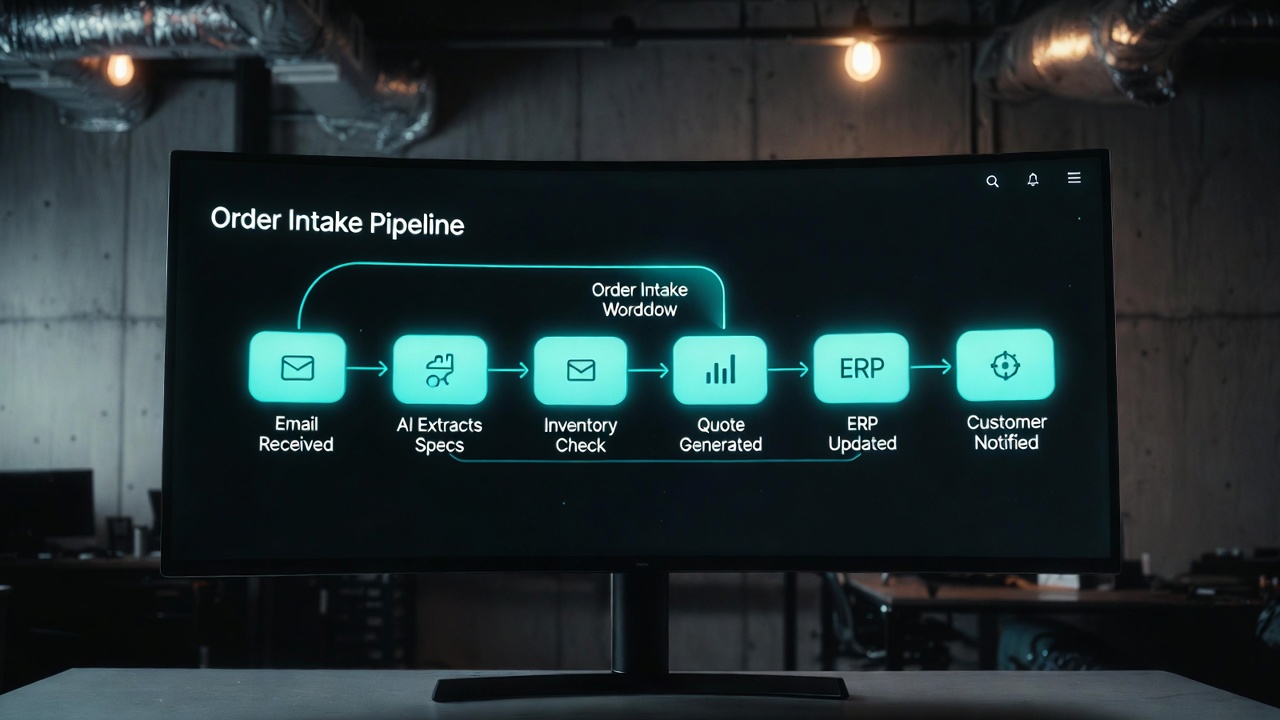
The automation system we built has five components:
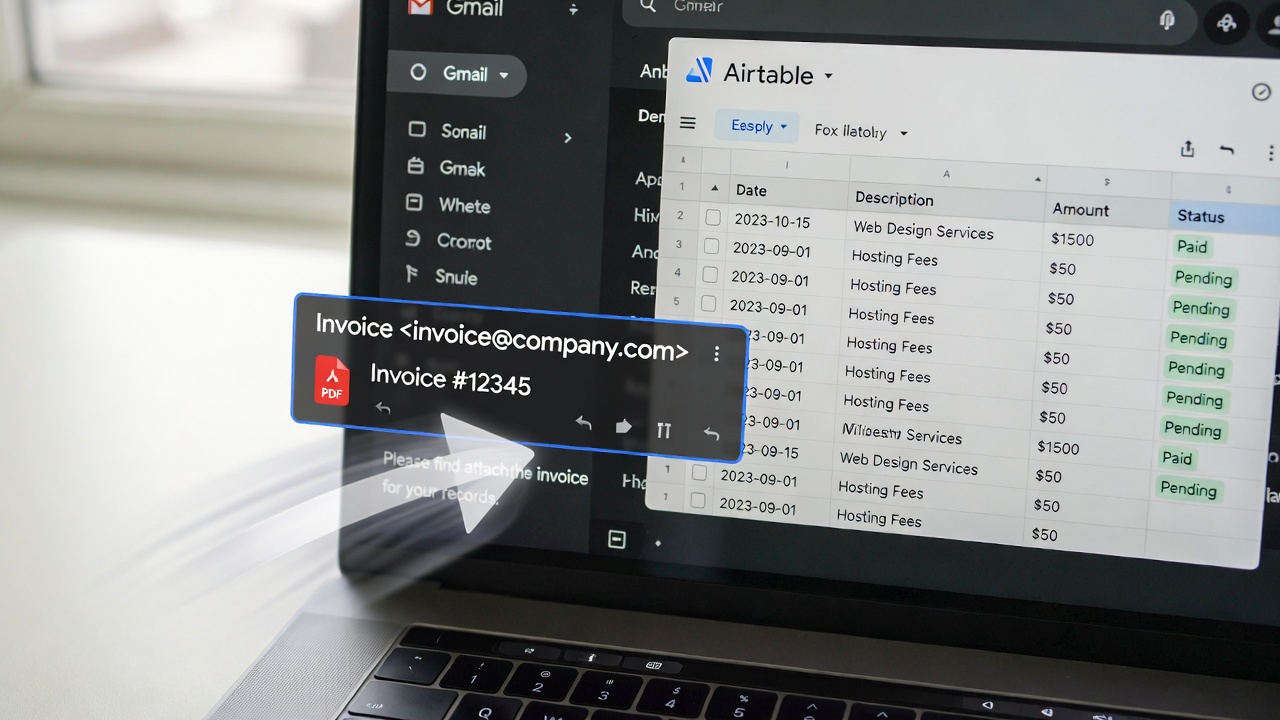
- Email monitoring webhook — monitors the orders inbox via IMAP, triggers when a new order email arrives
- AI document extraction — uses GPT-4o Vision to read PDFs, images, and email body text and extract all structured order data into a JSON schema
- Data validation layer — validates extracted data against business rules (minimum quantities, supported materials, lead time constraints) and flags exceptions for human review
- ERP write layer — a custom connector that writes validated order data directly into their production management system via screen automation (Playwright) since the ERP has no API
- Quote generation — automatically generates a formatted quote PDF from a template, applying their pricing rules, and sends it to the customer within 8 minutes of order receipt
All orchestrated by n8n, running on a self-hosted instance for data privacy compliance.
Similar process at your business?
If your intake process involves reading emails, extracting specifications, and manually entering data — we've solved this problem before. Book a call and we'll show you exactly what's possible.
How It Works: Step by Step
Step 1: Email Ingestion (0 seconds)
The moment an email arrives in the orders inbox, an IMAP webhook fires and passes the email — including all attachments — to the n8n workflow. The email is logged with a unique order reference ID and timestamped.
Step 2: Document Extraction (30–90 seconds)
GPT-4o Vision processes each attachment and the email body simultaneously. The prompt instructs it to extract: product type, total quantity, breakdown by size/colour/variant, material specifications, artwork files (listed by filename), delivery deadline, shipping address, special instructions, and customer contact details.
The output is a structured JSON object conforming to our order schema. Any field that couldn't be extracted with confidence is flagged with a requires_review: true flag rather than guessed at.
Step 3: Validation (5–10 seconds)
The validation layer checks the extracted data against their business rules:
- Minimum order quantities per product type
- Supported materials and combinations
- Lead time feasibility (can this be produced by the requested deadline given current production queue?)
- Artwork file requirements (correct format, minimum resolution)
Orders that pass all validation checks proceed automatically. Orders that fail validation — or contain requires_review flags — are routed to a human review queue with a pre-filled exception form showing exactly what needs attention.
Step 4: ERP Entry (2–3 minutes)
Validated order data is written to their production management system via a Playwright automation that mimics the exact user interface a human admin would use — navigating to the new order form, filling each field, uploading artwork files, and submitting. This approach was necessary because the ERP has no API and a replatform was not feasible on their timeline.
The ERP entry generates an internal order ID which is captured and stored in the order record for downstream reference.
Step 5: Quote Generation and Send (60–90 seconds)
Using their pricing matrix (stored in Airtable), the system calculates the quote total including setup fees, quantity breaks, and rush premiums. A formatted PDF quote is generated from a Docmosis template and emailed to the customer within 8 minutes of their original email, including a personalised confirmation message and their dedicated account rep's signature.
Step 6: Notification and Handoff
The account rep receives a Slack notification: "New order from [Customer Name] — [Product Type], Qty [X], Due [Date]. Quote sent. View in [ERP link]." They have full context without having read any emails. Their job is now to build the relationship and manage exceptions — not to process data.
The Results: 6 Months Post-Launch
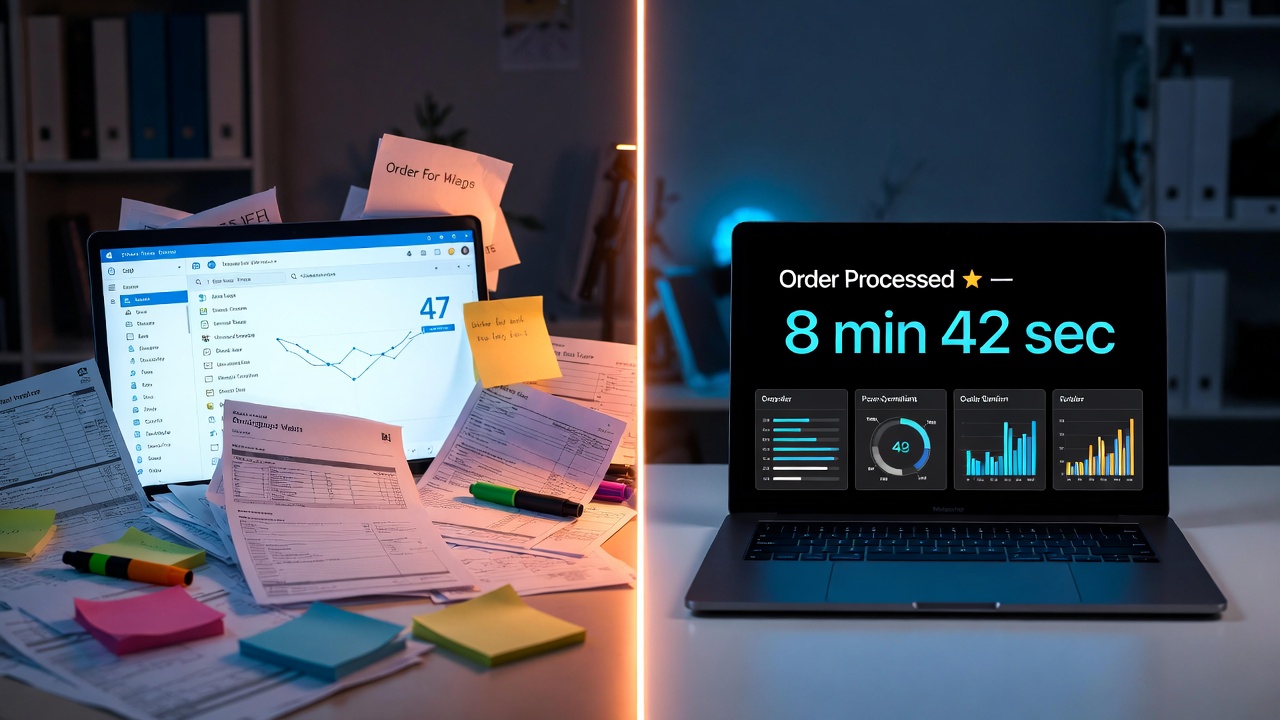
- Average intake time: 8.5 minutes (vs. 3.5 hours previously) — a 96% reduction
- Data accuracy: 98.2% (vs. 82% manual) — the error rate dropped from 18% to 1.8%
- Reprint costs eliminated: $12,400/year — near-zero data entry errors mean near-zero production errors from bad specifications
- Order volume capacity: 400+ orders/month (vs. 200 ceiling previously) — same team, double the throughput
- Quote response time: <10 minutes (vs. 18–24 hours) — customer feedback on response speed went from a common complaint to a differentiator
- Revenue impact: +43% in 6 months — faster quoting converted more of the leads they were already receiving, and the increased capacity allowed them to take on new clients
The system cost $18,500 to build. The client's fully-loaded cost savings in the first 12 months — including recaptured admin time, eliminated reprint costs, and new revenue from expanded capacity — was estimated at $95,000+. Payback period: 4.2 months.
What We Learned
A few insights from this project that apply to similar automations:
- Multimodal AI is genuinely transformative for document extraction — GPT-4o Vision handles PDFs, scanned documents, photographs of hand-written notes, and mixed-format emails with an accuracy that wasn't possible 18 months ago. The extraction quality was the primary enabler of this project.
- Screen automation is underrated — when a system has no API, Playwright-based screen automation is often the right answer. It's more brittle than an API integration, but with proper error handling and monitoring, it's highly reliable in controlled environments. Their ERP UI hadn't changed in 3 years and showed no signs of changing.
- The human review queue is a feature, not a fallback — initially the client worried about having any orders require human review. In practice, the review queue contains exactly the orders that should have human attention — complex exceptions, incomplete specs, rush orders with tight deadlines. It's not a failure mode; it's the system being appropriately humble about the limits of automation.
- Quota response time as a competitive advantage — this was the unexpected finding. The client had assumed their 24-hour quote time was "just how it worked in their industry." After they went live with <10-minute quoting, three competitor clients specifically mentioned the response time as a reason they switched. Speed alone closed deals.
FAQs
What if a customer sends an unusual or incomplete order?
The validation layer catches incomplete or unusual orders before they reach the ERP. The customer receives an auto-response acknowledging their order and letting them know their account rep will follow up within 1 business hour with questions. The account rep gets a Slack alert with the order details and the specific missing information, pre-drafted into a follow-up email they can send with one click.
What happens if the AI extracts data incorrectly?
Every generated quote is reviewed by the account rep before the customer's production starts — the rep receives the full extracted data alongside the quote. If something looks wrong, they flag it. Additionally, we have a weekly audit that reviews 20 randomly sampled orders against the source emails to catch any systematic extraction errors. In the first 6 months, 11 orders out of 900+ (1.2%) had errors detected and corrected before causing any downstream impact.
Can this work if orders come through multiple channels (email, web form, phone)?
Yes. We subsequently added a web form channel that feeds the same pipeline — structured form data requires no AI extraction, so those orders are processed even faster (<2 minutes). Phone orders are handled by having the account rep fill a structured internal form immediately after the call, which feeds the same automation. The ERP entry, quote generation, and notification all happen automatically regardless of the intake channel.
What industries is this type of system applicable to?
Any business where orders or requests arrive via unstructured communication (email, forms, documents) and require structured data entry into an operations or ERP system. We've applied the same pattern to: engineering firms receiving RFQs, marketing agencies receiving client briefs, logistics companies receiving shipping requests, law firms receiving case intake, and construction companies receiving project enquiries. If there's a human reading something and typing it somewhere else, this pattern applies.