TL;DR
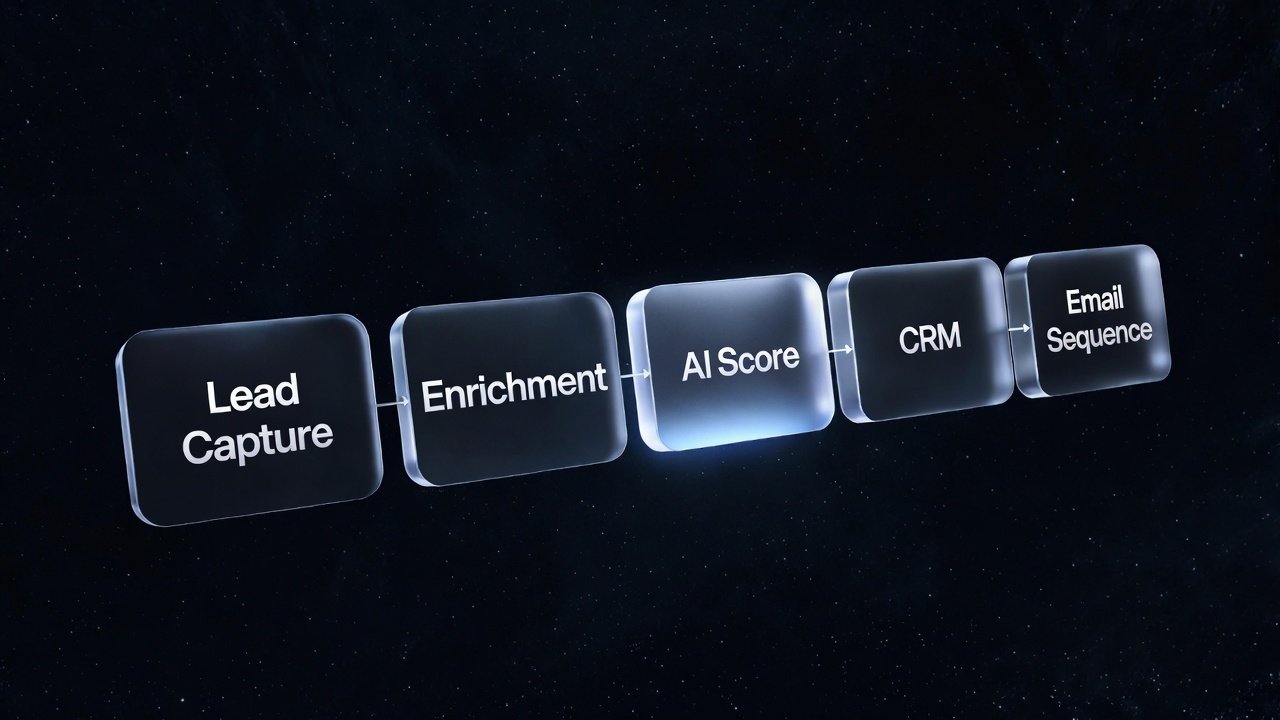
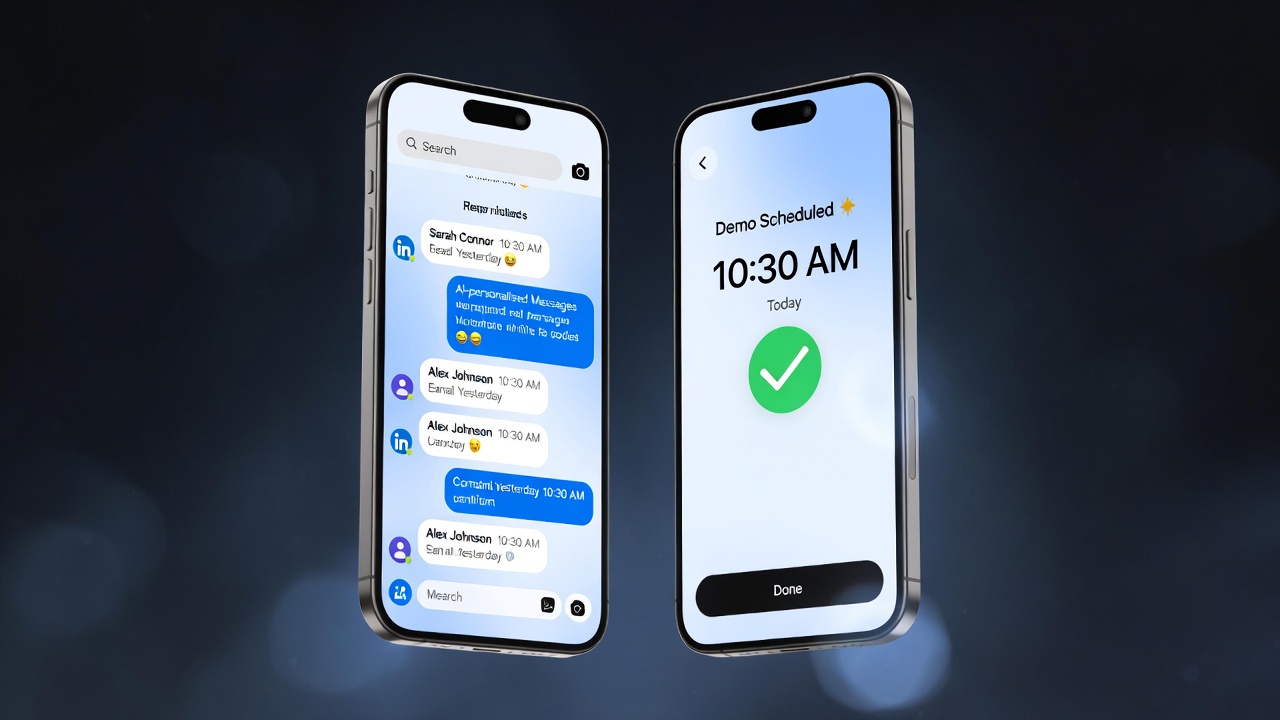
The gap between a manual SDR and an AI outreach system is 10x in volume and 3x in consistency. The system has four parts: data enrichment (who to contact and why), LLM personalisation (what to say), multi-touch sequences (when and how to follow up), and automated reply handling (what happens when someone says yes). Here's how to build each layer.
Why Cold Outreach Fails at Scale (And Why AI Changes That)
Cold outreach has a volume-quality trade-off baked into the traditional model. A human SDR can send personalised emails to 40–60 prospects per day — any more and quality collapses into copy-paste templates that get ignored. But 50 emails/day into a market of 50,000 addressable accounts means it takes three years to work through your list once.
The three failure modes of traditional cold outreach:
- Generic personalisation — "Hi [First Name], I noticed you're in the [Industry] space" isn't personalisation. It's a mail merge. Recipients have been trained to delete it.
- Inconsistent follow-up — most buyers need 4–7 touches before they respond. Human SDRs lose track after touch 2. The majority of deals are lost in the follow-up gap, not the first email.
- No reply intelligence — when someone replies "not right now," that lead gets dropped. An intelligent system captures that signal and re-engages at the right time.
AI resolves all three, at 500+ emails per day, without degradation in quality.
Layer 1: Data Enrichment — Knowing Who to Contact and Why
The quality of your outreach is entirely determined by the quality of your lead data. Not just name and email — contextual signals that make personalisation meaningful and timing relevant.
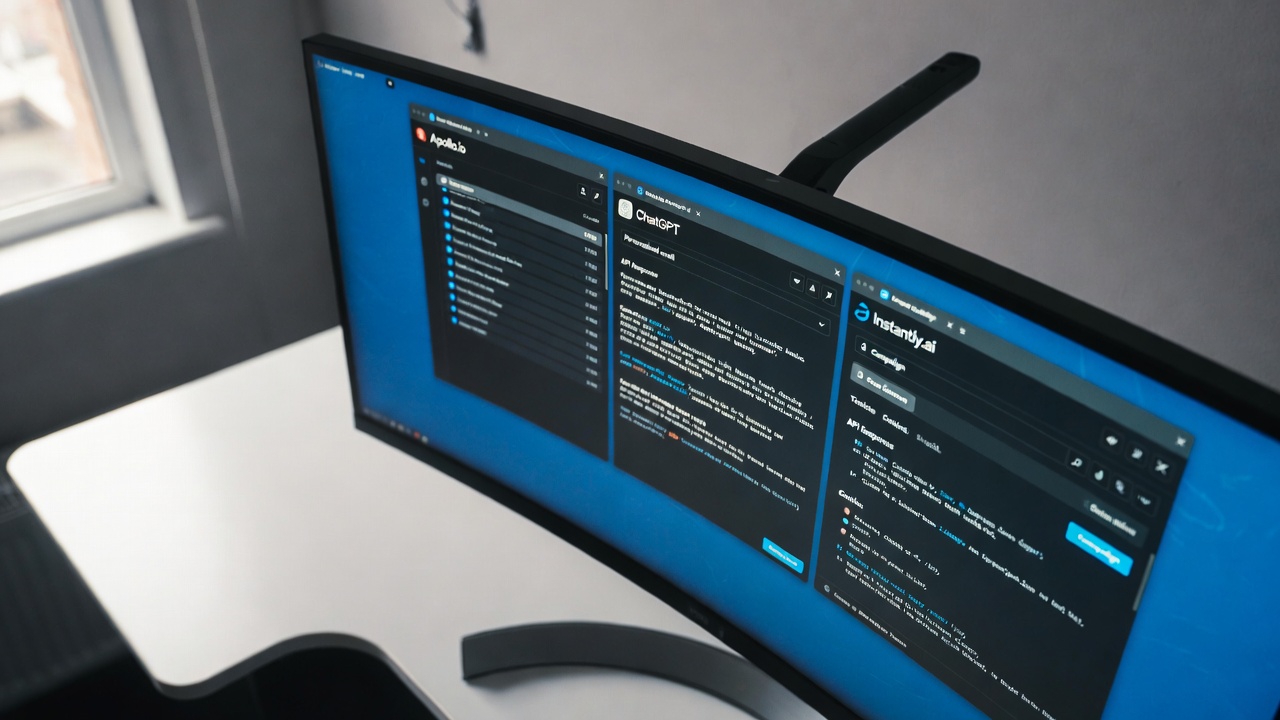
Our enrichment stack pulls from multiple sources via API:
- Apollo or Clay for base contact data — company, role, email, LinkedIn URL
- LinkedIn Sales Navigator API for recent activity, posts, and career history
- Clearbit / ZoomInfo for company technographics — what tools they use (Salesforce, HubSpot, Intercom), funding round, headcount growth
- Job posting scrapers — active job postings reveal priority initiatives. A company hiring 10 SDRs is investing in outbound. That's a buying signal for your outreach automation platform.
- Intent data providers (Bombora, G2 Intent) for accounts actively researching in your category
The enrichment workflow runs automatically: new leads enter a webhook, enrichment APIs fire in sequence, the output is a structured JSON record for each prospect with 20–30 data points. This record feeds the personalisation layer.
The ICP Filter
Not all enriched leads get contacted. An automated scoring model filters against your Ideal Customer Profile before any email is generated. Score based on: company size, industry, tech stack fit, funding recency, headcount trajectory, and job title seniority. Only leads above a threshold score enter the sequence. This keeps your reply rate high and your unsubscribe rate low.
Layer 2: LLM Personalisation — What to Actually Say
This is where the leverage lives. An LLM with access to the enriched prospect record can generate a genuinely personalised opening line that no copy-paste template can replicate.
The prompt structure that works:
- Context injection: Company name, prospect name, their role, a recent LinkedIn post they wrote, their tech stack, their current headcount
- Personalisation instruction: "Write a 2-sentence opening that references something specific about [Prospect Name]'s recent work or their company's current situation. Do not be generic. Do not mention their industry unless you have a specific insight about it."
- Value proposition: One specific benefit relevant to their situation (not a generic pitch)
- CTA: A low-friction ask — "Worth a 15-minute call?" — not "Book a demo of our enterprise platform"
The email is assembled in layers: personalised opening (LLM-generated) + value proposition (template with variable injection) + CTA (fixed). Total length: 80–120 words. Subject line: generated separately with the instruction to be curiosity-provoking and specific, never vague.
Example output for a SaaS tool targeting ops leaders at Series B companies:
"Saw your post on the challenges of scaling your support team without proportional headcount growth — that's exactly the problem we solve. [Company] has helped 40 ops leaders at Series B companies like yours reduce support ticket volume by 70% using AI triage, without adding headcount. Worth 15 minutes to see if it fits?"
That email took 0.4 seconds to generate. It could not have been written by a template.
We build outreach systems that book 150+ demos/month.
Data enrichment, AI personalisation, multi-touch sequences — the complete stack, built and running in 10 business days.
Layer 3: Multi-Touch Sequences — When to Follow Up
Sequence architecture matters as much as the initial email. The data is clear: 47% of replies come after the third touch. If your sequence stops after one follow-up, you're losing nearly half your potential conversations.
Our default 7-touch sequence structure:
- Day 1: Personalised cold email (as above)
- Day 3: Short follow-up — adds a new piece of value (a relevant case study, a data point specific to their industry)
- Day 7: LinkedIn connection request + personalised note (no pitch, just connection)
- Day 10: Email follow-up — references the LinkedIn connection. Changes angle from product to problem.
- Day 14: Pattern interrupt — a different format (a one-question email: "Quick question: is [specific pain point] something you're actively trying to solve?")
- Day 21: The bump — just replies to the original email thread with "Bumping this to the top — any chance this is relevant?"
- Day 35: Break-up email — "I'll take this off my list. But if [specific trigger event] ever changes, I'm here." No hard feelings, no pressure.
Each touch is personalised at generation time — the sequence engine doesn't use static templates, it regenerates each email with the current context, so follow-ups reference the initial email and any new information about the prospect that's emerged.
Deliverability Infrastructure: Emails That Actually Land in Inboxes
Volume outreach is useless if your emails land in spam. Deliverability is its own discipline:
- Dedicated sending domains — never send from your primary domain. Use subdomain variants (mail.yourcompany.com, outreach.yourcompany.com) that are separate from your transactional email
- Domain warm-up — new sending domains start at 20 emails/day and ramp over 4–6 weeks. Skip this and your domain gets blacklisted in 72 hours.
- SPF, DKIM, DMARC — all three, configured correctly, on every sending domain. Non-negotiable.
- Sending caps — hard cap of 50–80 emails per inbox per day. Spread volume across multiple inboxes and domains to avoid triggering rate limits.
- Bounce management — automated removal of hard bounces within 24 hours. Bounce rate above 3% damages sender reputation permanently.
We use Instantly or Smartlead for sending infrastructure — both include built-in warm-up networks, rotation across multiple inboxes, and deliverability monitoring dashboards.
Real Results: What This System Produces
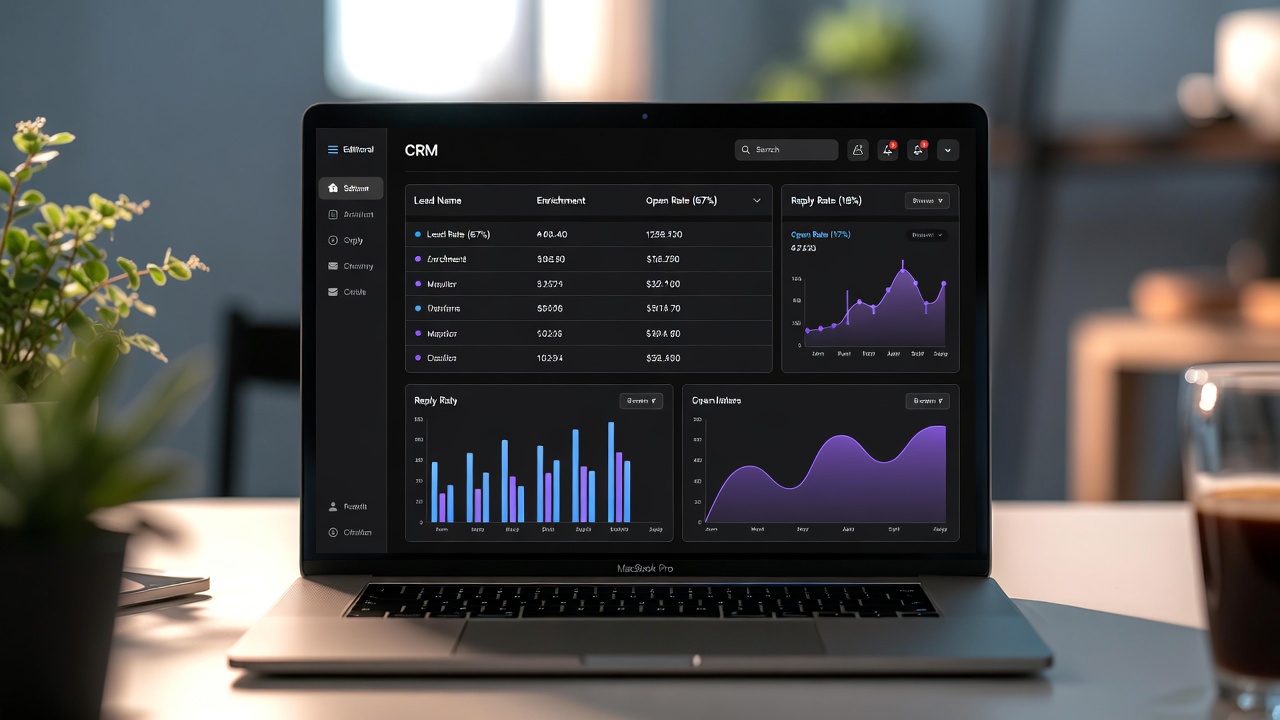
Across the outreach systems we've built for clients, here are the consistent benchmarks:
- Open rate: 42–58% (vs. 18–22% industry average for cold email)
- Reply rate: 8–14% (vs. 2–4% average)
- Positive reply rate: 2.5–4.5% of total contacts
- Demos booked per month: 120–180, depending on market size and ICP precision
- Cost per booked demo: $18–$45 (vs. $150–$400 for paid acquisition in most B2B markets)
One client — a revenue intelligence SaaS targeting VP Sales at US companies with 50–500 employees — went from 22 demos/month (manual SDR team of 2) to 163 demos/month (1 SDR managing the AI system) within 60 days of launch. Their cost per demo dropped from $380 to $31.
FAQs
Is automated cold outreach legal? What about GDPR and CAN-SPAM?
B2B cold email is legal under CAN-SPAM (US), CASL (Canada), and GDPR (EU) provided you comply with the rules: include a physical address, provide a clear unsubscribe mechanism, honour opt-outs within 10 business days (24 hours in our systems), and only contact people for whom you have a legitimate business interest. We build compliance into every system — every email includes an unsubscribe link, and the suppress list is updated in real time. Always consult a lawyer for your specific situation and markets.
How long does it take to build this system?
10–14 business days for a complete, running system including domain setup and warm-up, enrichment stack, sequence build, reply handling, and calendar integration. Domain warm-up runs in parallel — by the time the system is built, you're ready to start sending at volume. First demos typically book in week 3.
Does this work for every industry?
Best results are in B2B SaaS, professional services, agencies, and enterprise software. Consumer products, regulated industries (healthcare providers, financial advisors), and local services are less suited to this approach. The key variable is whether your buyer segment is addressable via LinkedIn data and corporate email — if yes, this works.
What ongoing management does this require?
2–4 hours per week for monitoring, list hygiene, and sequence optimisation. Someone needs to review the reply classifications weekly (to catch any misrouted responses), update the ICP filter as you learn more about who converts, and refresh the lead data source monthly. The system handles the volume and consistency; a human handles the judgement calls.